 Mochi Color
Tap a number. Pop a bubble.
Color by number from your own photos, plus 100 free designs. Tiny bubbles swell and pop, and the color stays behind.

Free to download. All 100 built-in designs are free, with no ads before or after any purchase.
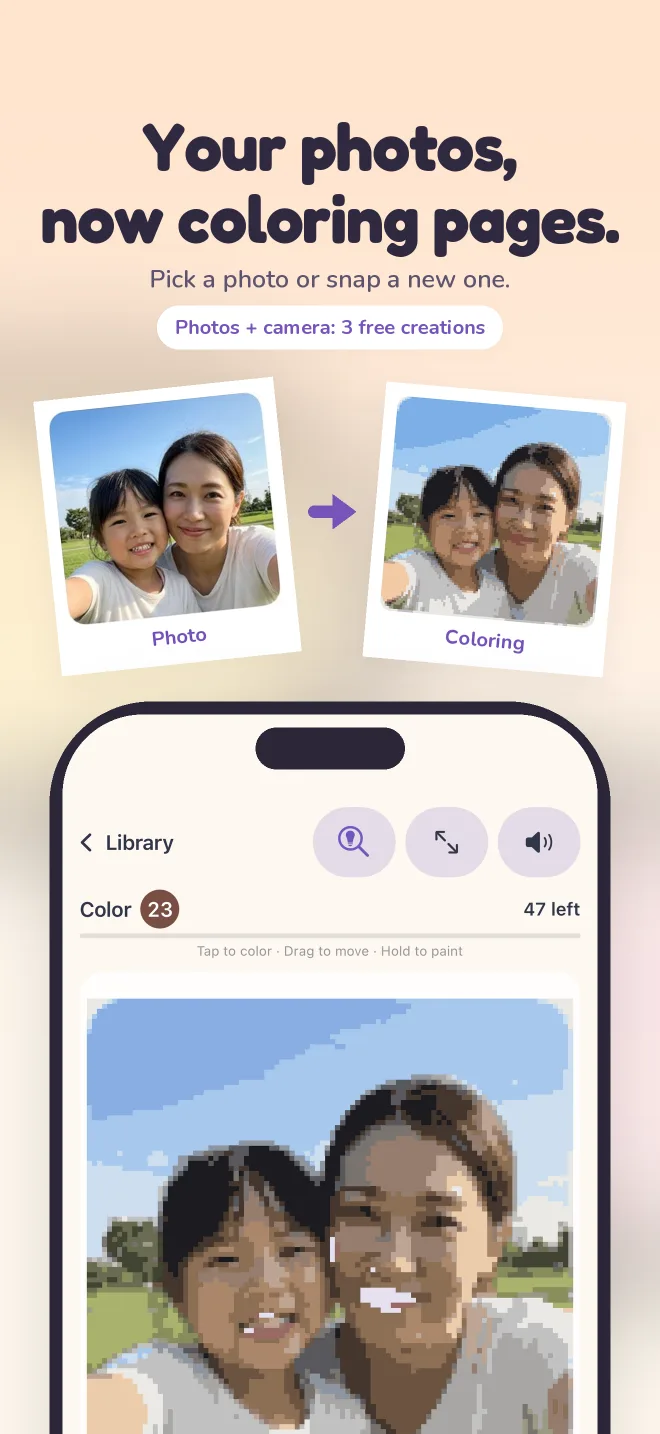
Your photos, now coloring pages.
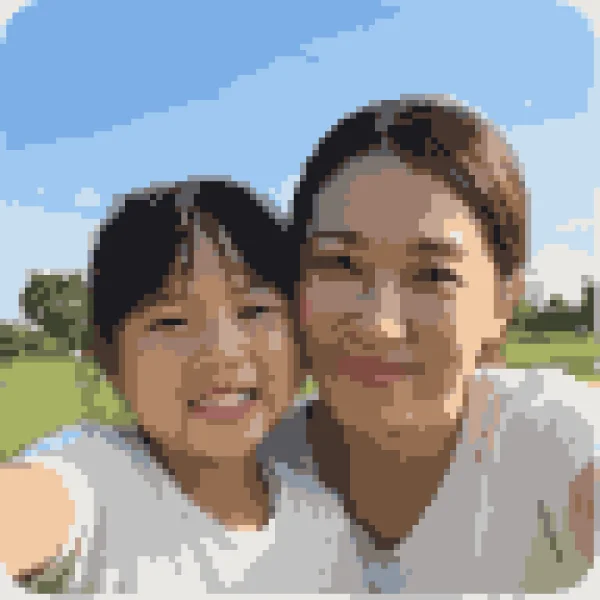
Choose a photo or take a new one, and it becomes a numbered pixel coloring page. Five detail levels to choose from. Photos are processed on your device and never uploaded.

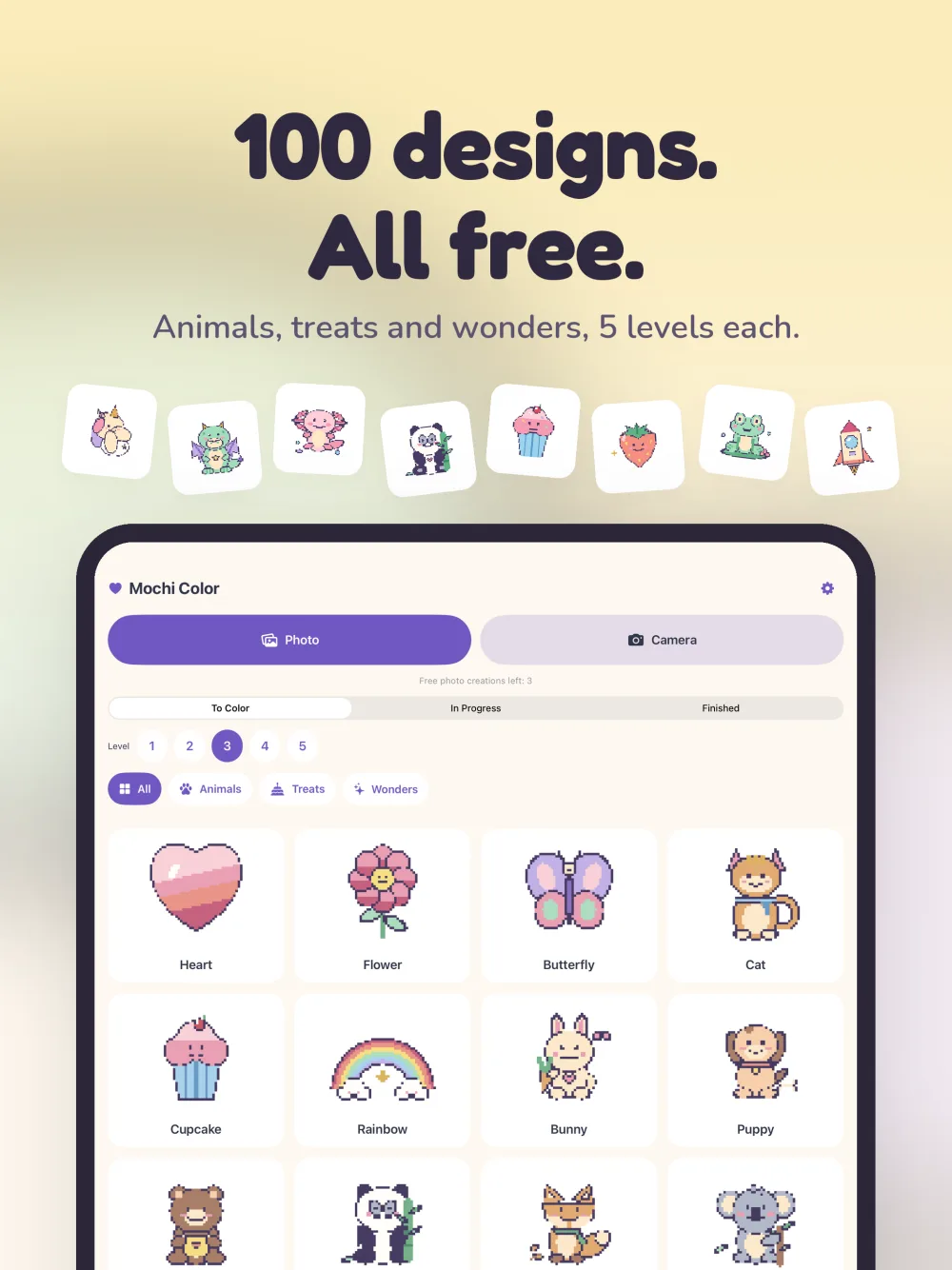
100 designs. All free.
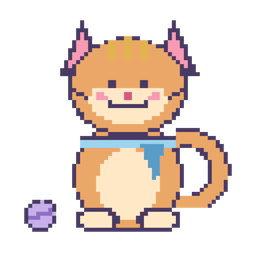
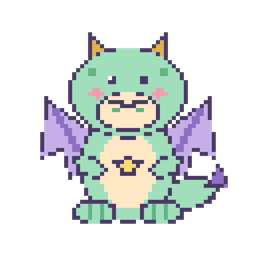
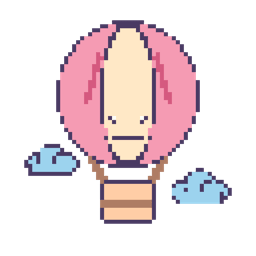
Animals, treats and little wonders, each in five detail levels. Pick a quick picture or settle in for a detailed one.
Animals a few of them

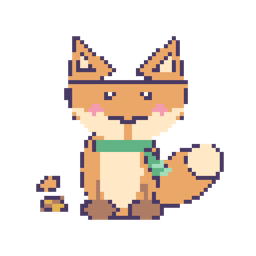





Treats a few of them








Wonders a few of them






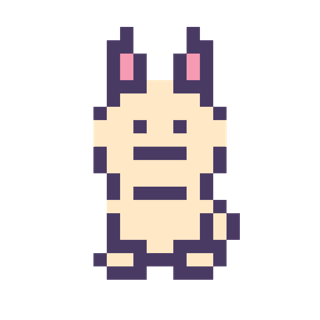
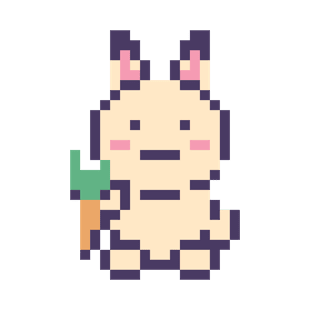
Five detail levels.
The same bunny, from a handful of big squares to a picture with room for every shade. A quick one before dinner, or a long cozy one on a rainy afternoon.



Watch it come together.
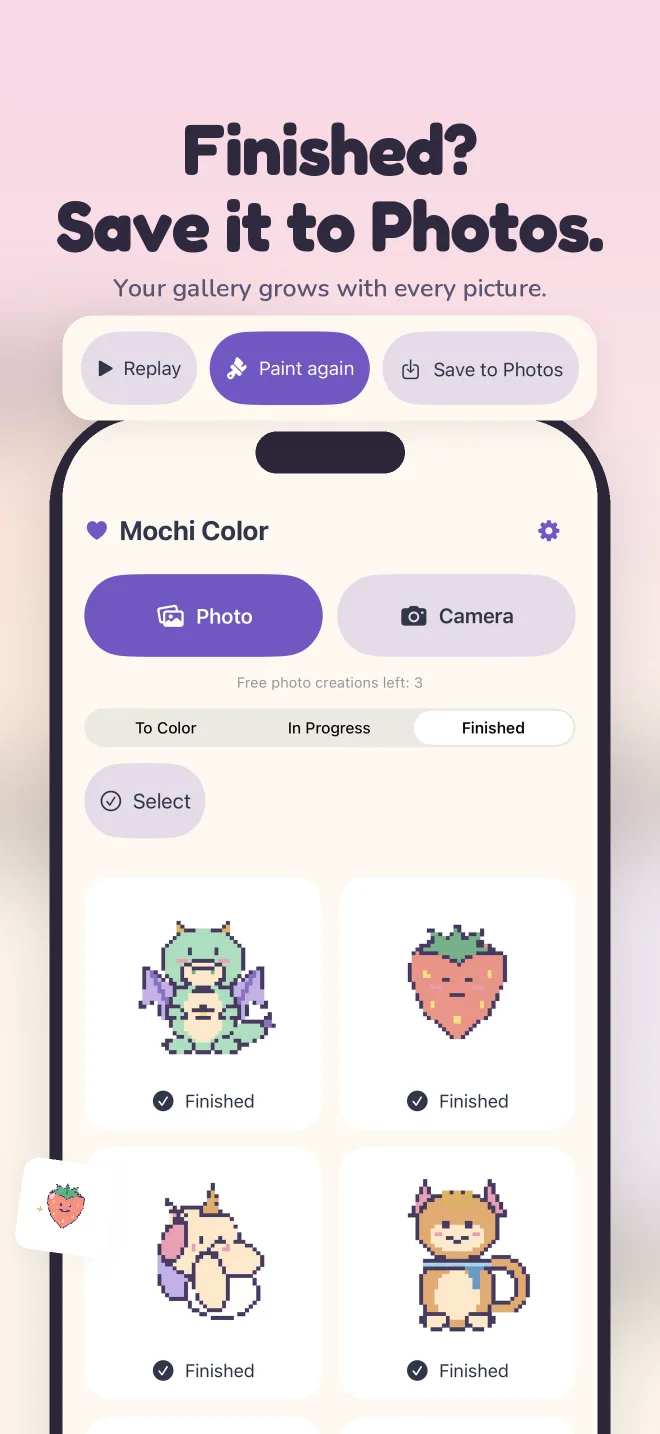
When you finish, watch a replay of your picture in the order you painted it. Save finished pictures to Photos, or paint the same design again.
Replay
Every square, in the order you colored it.
Save to Photos
A clean image of your finished picture, saved only when you tap Save.
Your own pace.
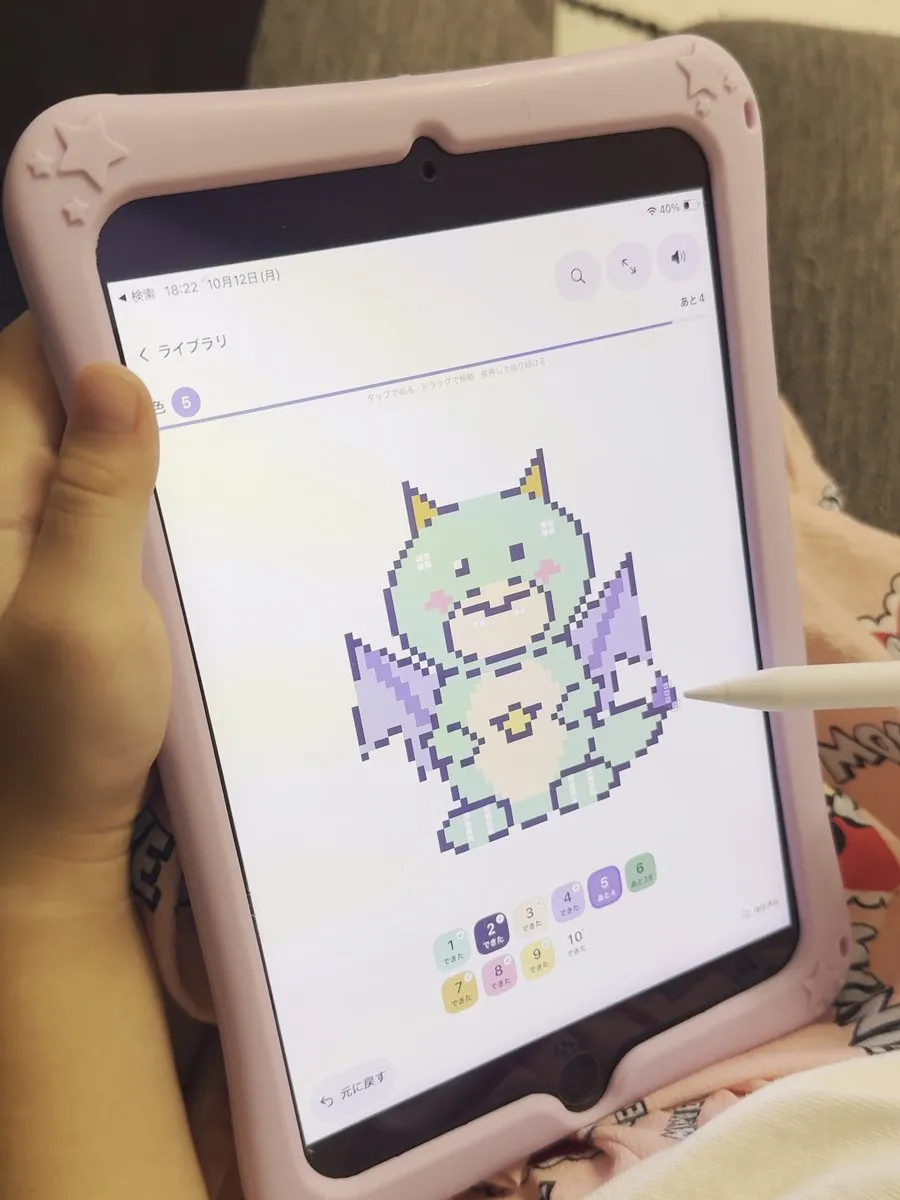
Progress is saved automatically, so you can pick up where you left off. No timers, no streaks, no notifications.
Autosave
Close the app mid-picture. It will be waiting under Continue.
Zoom and hint
Zoom in for the small squares. The hint finds what is left for your color.
Sounds you can turn off
Soft pops, gentle music and a light tap on iPhone. Each has its own switch.
Undo
One tap takes back the last stroke.
Made for families.
No account needed. No ads. A grown-up check sits in front of the purchase screen.
- No ads, whether you buy anything or not.
- No sign-up, no email, no password.
- No tracking. The app has no analytics or advertising SDKs. Photos never leave the device.
- A grown-up check before the purchase screen: a small addition sum to solve.
Mochi Color started as a coloring app for one family. The things that make it feel good, like the picture staying still while you paint and the hint that finds what is left, came from watching it actually being used.
Free and paid.
Mochi Color is free to download, and all 100 built-in designs are free. Photos and camera share a total of 3 free creations; a creation only counts when a new picture is made and saved. After that, an optional one-time purchase (not a subscription) unlocks unlimited photo coloring. The price is shown on the purchase screen. The purchase is not available through Family Sharing.
- Pay once. No subscription, no renewals.
- Restore a previous purchase anytime with the same Apple Account.
- Everything else stays free: built-in designs, replay, saving to Photos and painting again.
Works on iPhone and iPad.
Portrait on iPhone, any orientation on iPad. Requires iOS 26 or later.
Questions
Do my photos get uploaded anywhere?
No. The photo is turned into a coloring page on your device. The app has no server, no account and no analytics or advertising SDKs. See the privacy policy.
Is it really free?
Yes. The app is free to download and all 100 built-in designs are free, with no ads. Photo coloring includes 3 free creations. After that, a one-time purchase unlocks unlimited photo coloring. It is optional and not a subscription.
Can I use the purchase on more than one device?
Use Restore purchases on the other device with the same Apple Account. The purchase is not available through Family Sharing.
Where are my pictures stored?
On the device where you made them. They do not sync between devices. Deleting the app deletes its pictures, so save the ones you want to keep to Photos first.